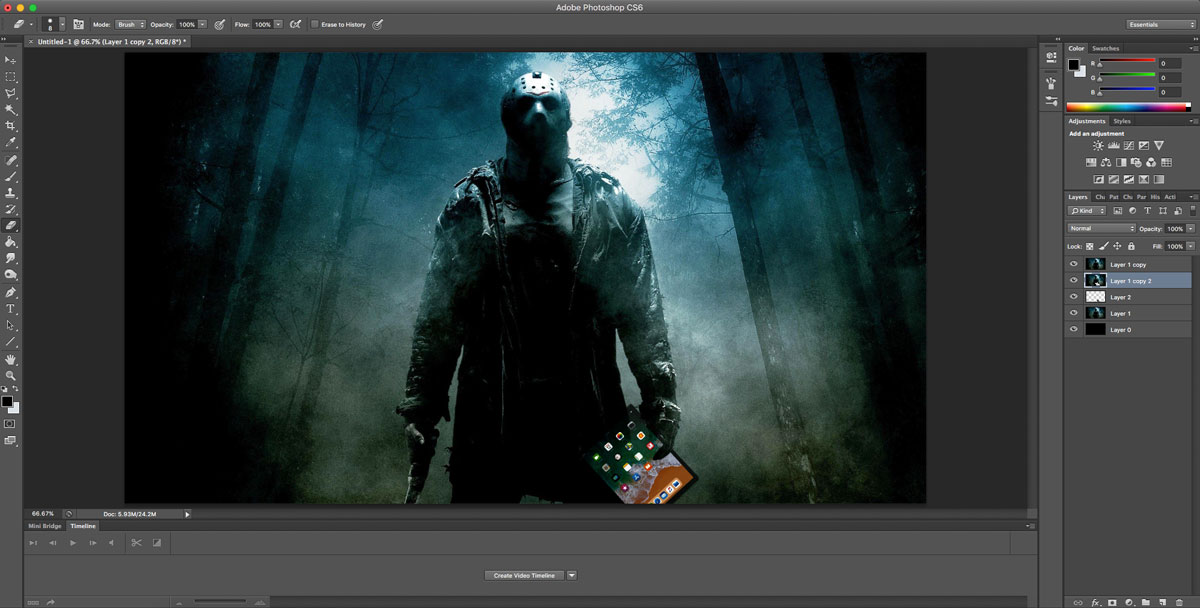
WHY you SHOULD try DIGITAL ART:
First of all:
- What is digital art?
Digital art is an artistic work or practice that uses digital technology as part of the creative or presentation process. Since the 1970s, various names have been used to describe the process, including computer art and multimedia art. Digital art is itself placed under the larger umbrella term new media art.

TOP 10 DIGITAL ARTISTS:
Every artist has a style, but when a composition looks aesthetically pleasing it is because of the following things:
- THE ANATOMY OF THE DRAWING:
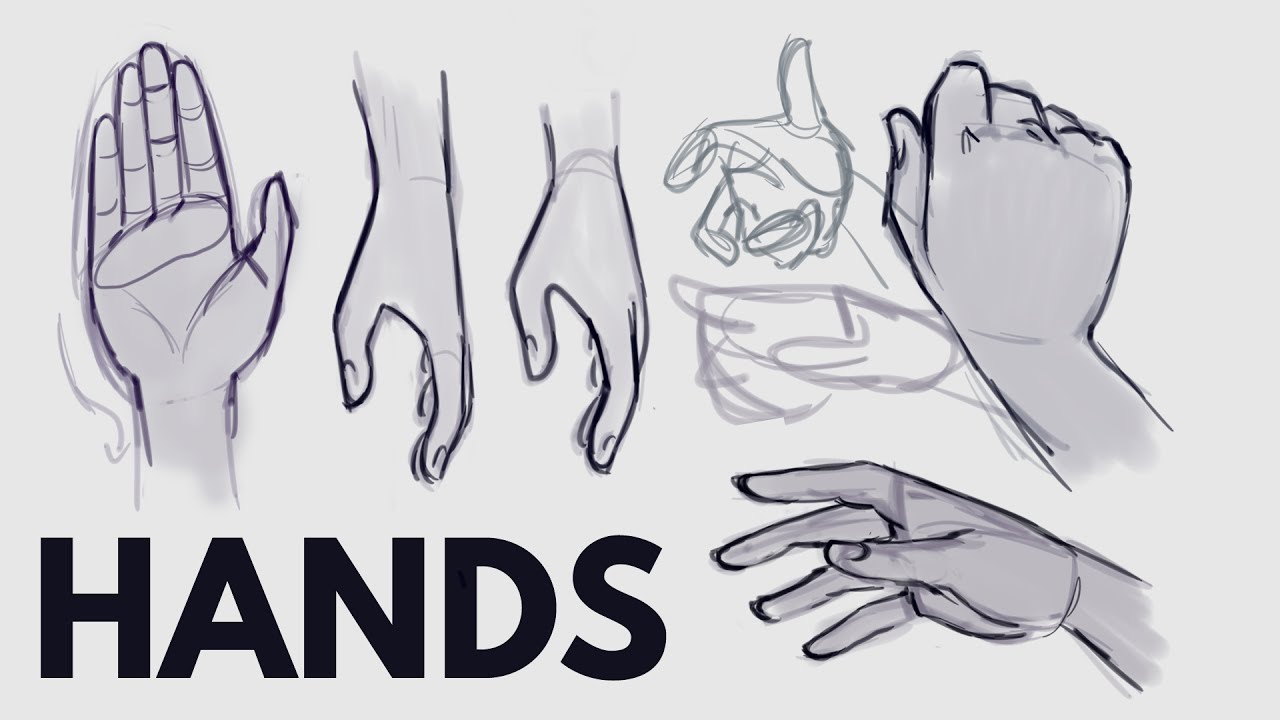
If the anatomy of the drawing isn´t pleasing, your composition will be hardly affected. Some artists that see you art later will think that you still have a long way to go, but that´s not bad.
COLOR:
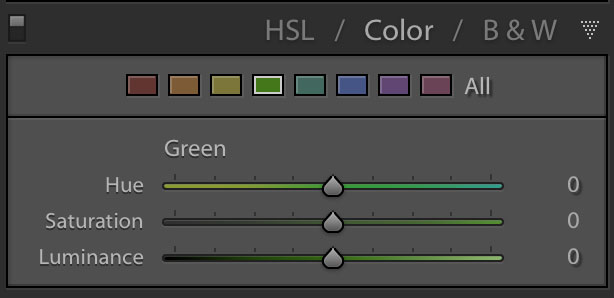
THERE ARE 3 MAIN OPTIONS TO PLAY WITH IN COLOR:
First of all:
If the colors aren´t well balanced, the composition will look really bad, even if your anatomy is good, if you don´t master color theory, then, your drawing will look really weird.HUE:
the attribute of a color by virtue of which it is discernible as red, green, etc., and which is dependent on its dominant wavelength and independent of intensity or lightness.
SATURATION:
the degree or extent to which something is dissolved or absorbed compared with the maximum possible, usually expressed as a percentage.
LUMINANCE:
the intensity of light emitted from a surface per unit area in a given direction.
SO LET´S TAKE THIS AS AN EXAMPLE:

This drawing does not look so bad:
As you can see, it follows a scale of unsatured colors and a lot of luminance, so everything is well balanced.
BUT LET´S USE OTHER DRAWING FOR EXAMPLE:

THIS DRAWING IS NOT WELL BALANCED:
Why?
As you can see, the skin has a different saturation than the rest of the body parts, the shadows are not well balanced and the anatomy can improve.
So, now, that you understand a bit about this topic:
STYLE:
We are missing one element, that makes a composition really awesome:
As we can see, every artist has a different type of style:
but...
What does this mean?
It means they can variate about different types of anatomy, colors and other effects.
FOR EXAMPLE:
TAMAYTKA:

As you can see from her, is that her anatomy is different, but it isn´t unpleasing, is cute.
She uses a lot of unsatured colors and doesn´t like to leave blank spaces.
NANOMORTIS:

Nanomortis drawings have a more cubist and abstract syle, she uses satured colors that are usually matches in the color wheel. She likes to work a lot with concepts and backgrounds.
LAYERS:
A layer is used to separate certain elements in an image.

People use to color in a layer below the lineart.
WHAT IS A LINEART:
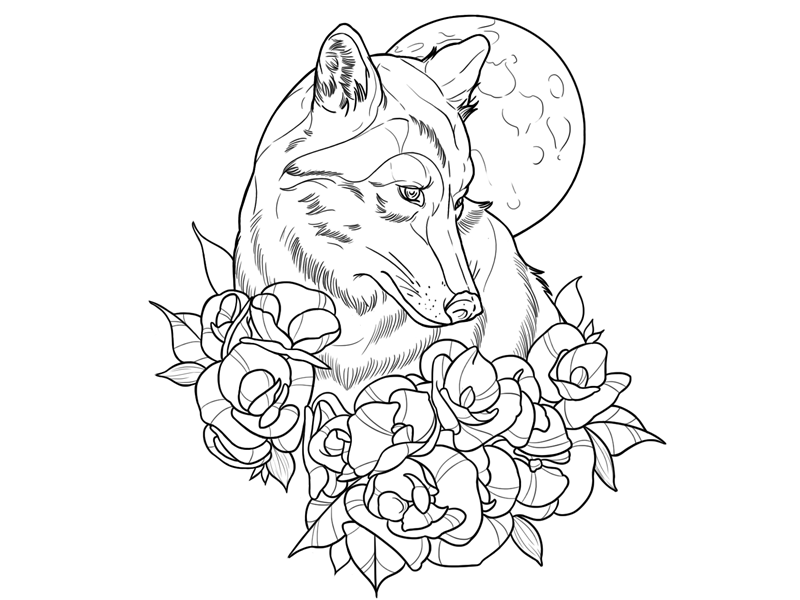
Is the outer line of the object.
LET´S LEARN ABOUT LAYER EFFECTS:
Now that we now what is a layer, we will know about their effects:
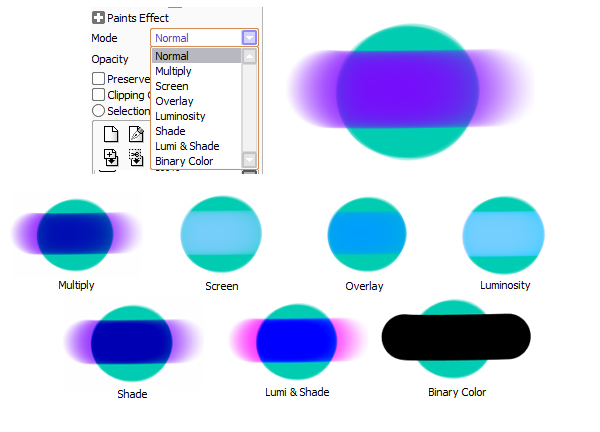
THE MAIN ONES:
MULTIPLY/ SHADE: They help you to have better shadows that aren´t solid colors.
SCREEN: Makes the drawing glow and adds an angelical effect.
OVERLAY: lightens the color to a more white balance.
LUMI AND SHADE: balances the luminosity in most of the parts, going to a white scale.
EXAMPLE:

This drawing uses a mix of satured colours, with a layer of screen and luminosity, so it gets that shiny effect.
SO, CHANGED YOUR MIND?, DO YOU WANT TO DRAW LIKE THIS?
NOW...
WHAT SOFTWARES CAN YOU USE?
IN MY OPINION:
1) design doll:
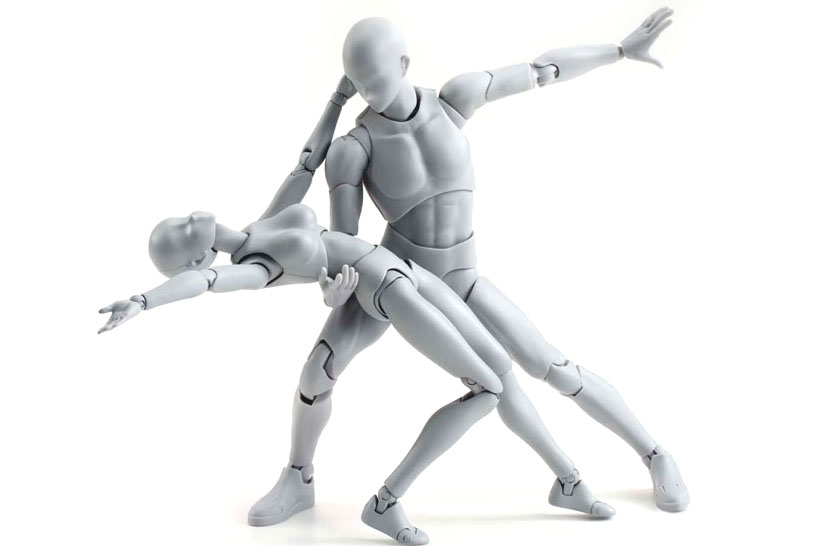
even though design doll is not a drawing programme, it helps you to master poses and you copy them for your drawings, as you want, so you don´t complicate with anatomy.
2) PAINTOOL SAI: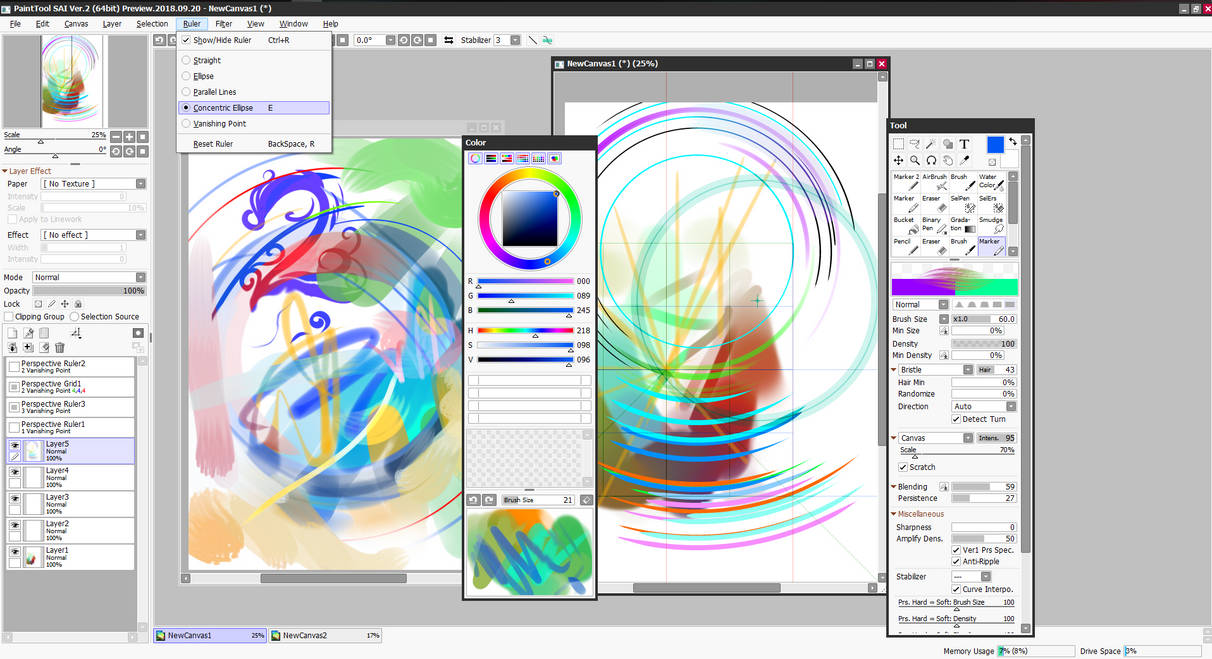
It is the programme I actually use. It has good lineart tools but for colours... It´s more recomendable to use photoshop.
3) PHOTOSHOP: